|
About the only thing left to
discuss is altering the visual parts of a tab control -
unfortunately, there's not much you can do. About the only real
modifiable parts are the page headers font, size, color and so
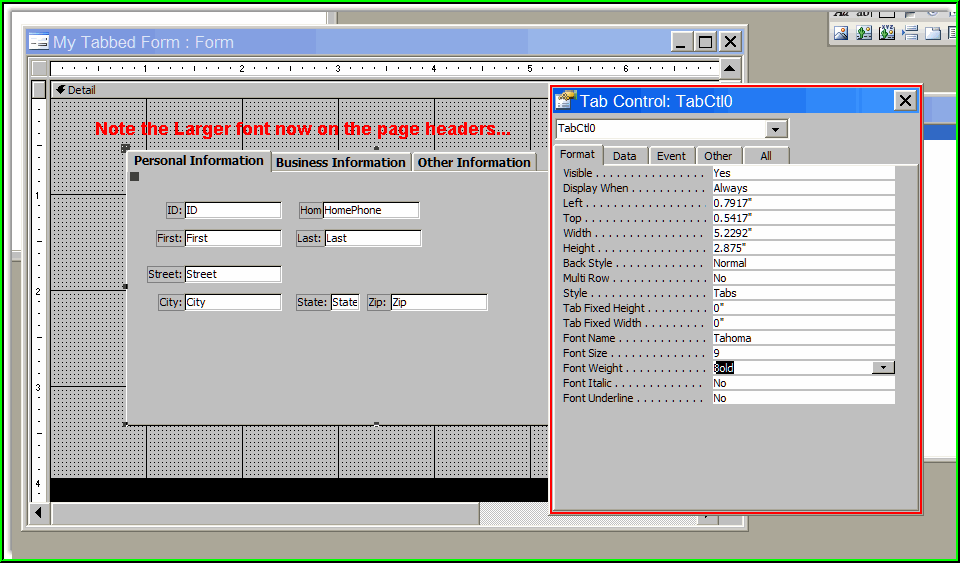
on...to change the page header tabs, select the tab control itself.
There, you can adjust the FONT used in the page tabs, the size and
weight of the font, and other characteristics like Italic or
Underline. Here, I'll change from the default font to a 9 Point
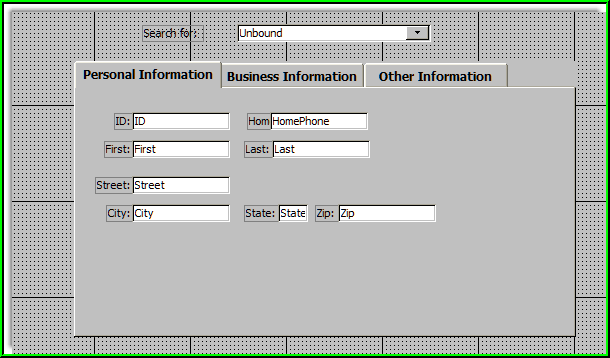
Tahoma bold, and you'll see the difference on the page headers...
|